 PluBIM Help

AutoDetector
Automatically places smoke and heat detectors according to DIN VDE 0833-2.
- Ribbon group
- Electrical
- Version
- PluBIM 1.5.0
AutoDetector places smoke or heat detectors in the selected MEP spaces according to DIN VDE 0833-2. Their number and spacing follow from the size and shape of the space.
When to use it
- Fire detectors should be placed space by space according to the standard instead of one by one.
Which elements?
| Works with | MEP spaces in the model or in a linked model |
| Creates | detectors of a loaded fire detector family |
| Not for | Architectural rooms; spaces whose level does not exist in the current model |
Requirements
- The model or a linked model contains MEP spaces.
- A fire detector family is loaded. The Family list shows all loaded families of this Revit category.
- For linked models, the levels of the spaces also exist in the current model.
Place detectors
In the ribbon, click PB-Modeling › Electrical › AutoDetector. If the PB-Modeling tab is not visible, click PluBIM › Modeling › ModelKit first.
Choose Smoke Detector or Heat Detector.
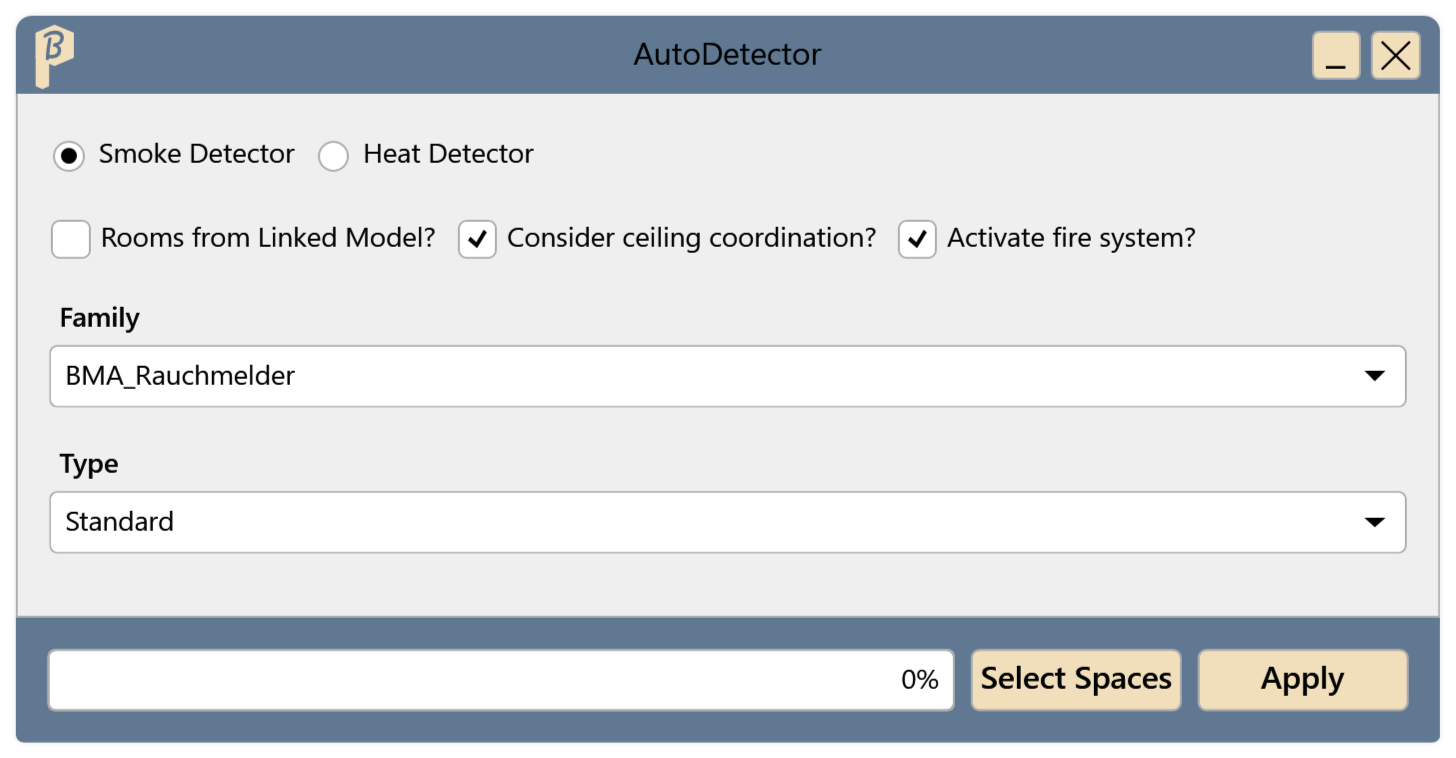
Fig. 1 · The AutoDetector window Set the options:
- Rooms from Linked Model?: the MEP spaces are in a linked model.
- Consider ceiling coordination?: the spacing is chosen so that the detectors fit the reflected ceiling plan.
- Activate fire system?: the detectors control an extinguishing system; the spacing is adjusted for it.
Choose the detector's Family and Type.
Click Select Spaces, click the MEP spaces and click Finish.
Click Apply. The progress is shown at the bottom of the window.
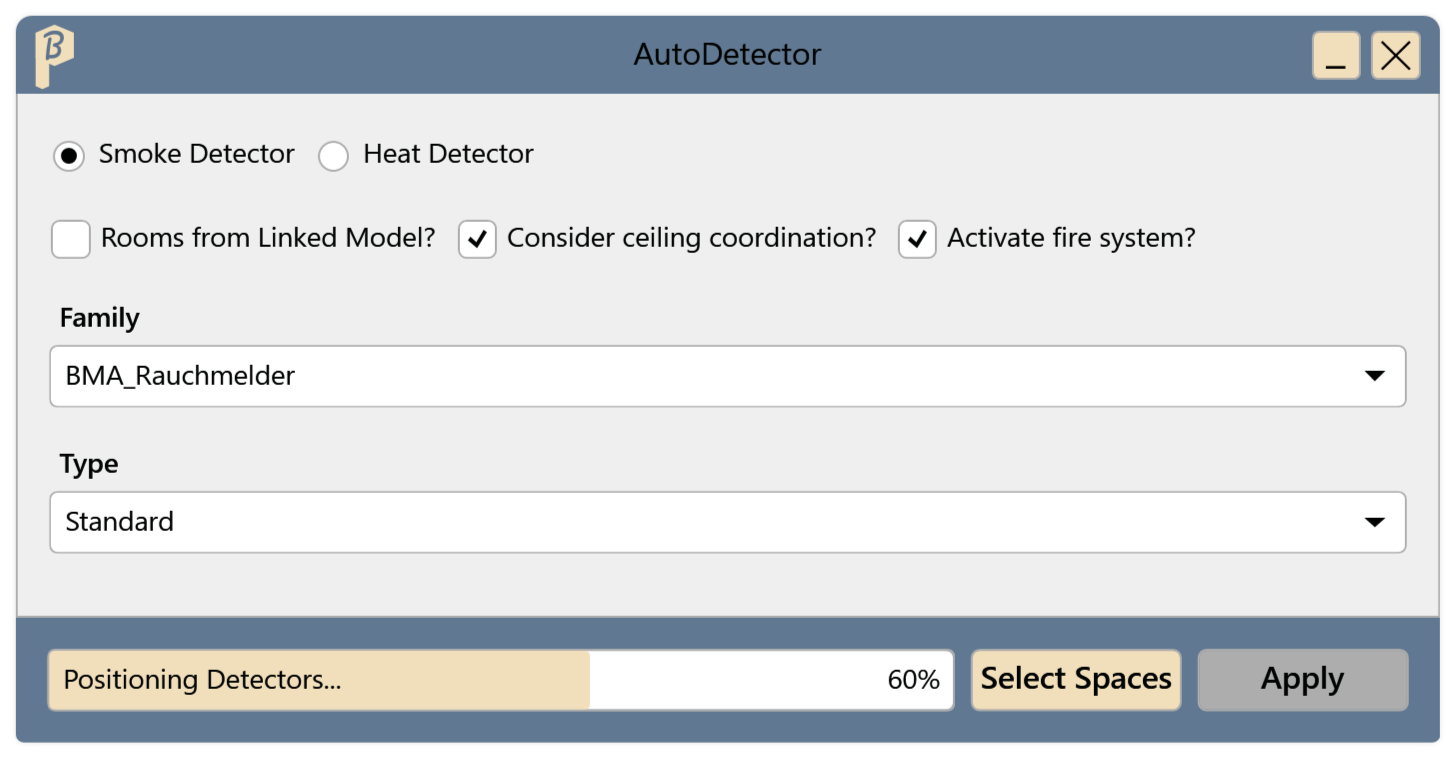
Fig. 2 · AutoDetector places the detectors
Each selected space contains detectors according to DIN VDE 0833-2. Spot-check their number and spacing.
Limitations
- If a space has a false ceiling, AutoDetector also places detectors there. For these it uses the type of the chosen family whose name contains “Zwischendecke”. If there is no such type, it uses the chosen type and reports “No false-ceiling type”.
Common problems
“To proceed, Please select a family from the list.” / “… a family type …”
Choose a Family and a Type. If the list is empty, no fire detector family is loaded.
“No false-ceiling type”
The family has no type with “Zwischendecke” in its name. The detectors in false ceilings therefore get the chosen type; check after placing whether the type needs to be changed.
“No matching level was found in this model. …”
The levels in the current model must match those of the linked model.