 PluBIM Help
UpdateCheck
Checks after Revit starts whether updates are available for Revit and other programs.
- Ribbon group
- No ribbon button
- Version
- PluBIM 1.5.0
After every start of Revit, UpdateCheck compares the installed versions of the standard software, including Revit, with their current versions. It has no button in the ribbon. If everything is up to date, nothing happens. If an update or a program is missing, the UpdateCheck window opens.
When to use it
You don't need to start UpdateCheck. The window appears by itself once Revit has started and an update is due.
The UpdateCheck window
At the top are four counters: Up to Date, Updates, Critical and Not Installed. The list below shows each program with the installed and the latest version, critical updates first. If there are critical updates, Critical updates available! appears at the bottom.
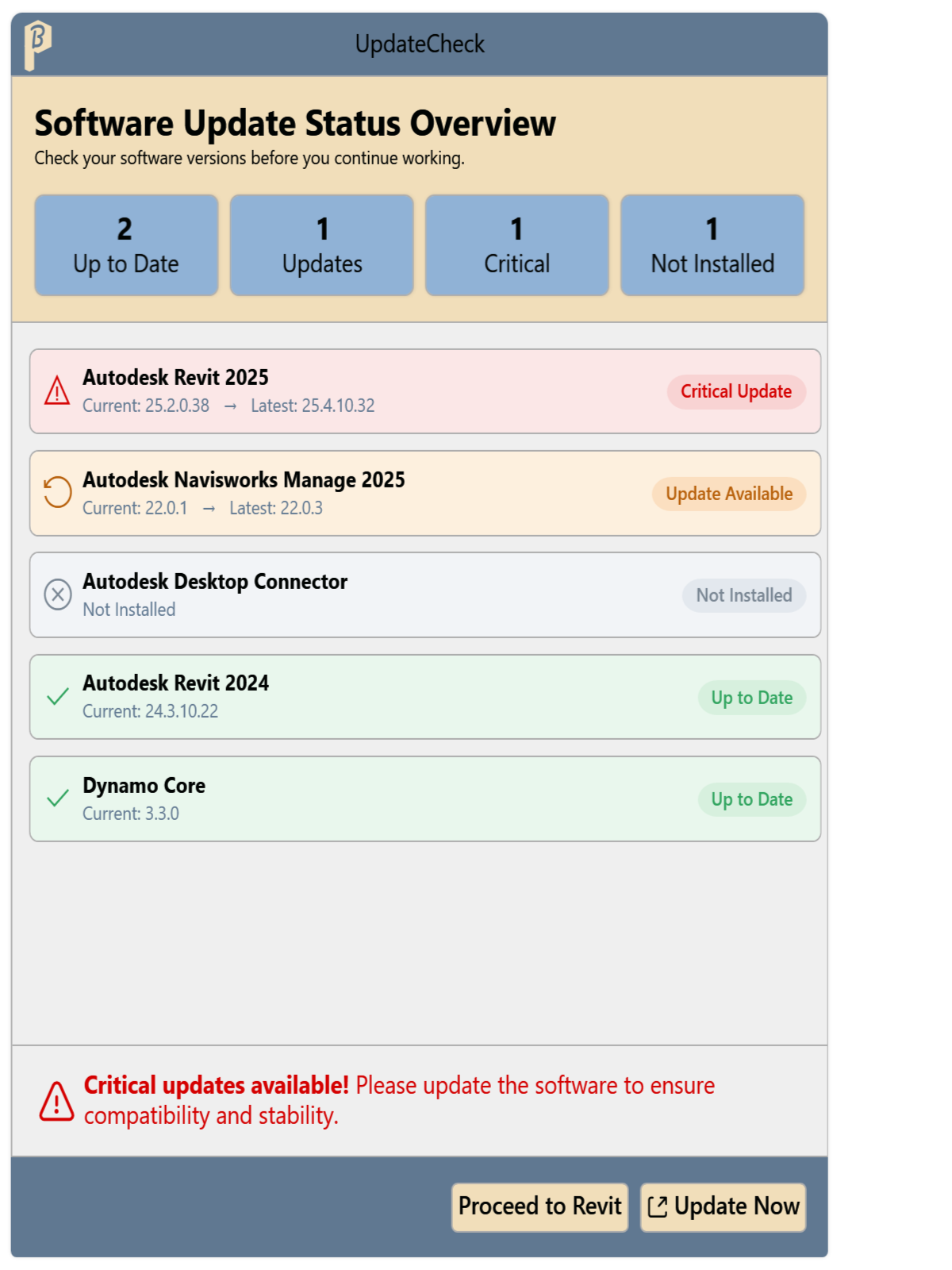
Fig. 1 · The UpdateCheck window Click Proceed to Revit or Update Now. These are the only ways to close the window.
- Proceed to Revit: the window closes and you can keep using Revit.
- Update Now: only active when the running Revit version needs an update. After a message, Revit closes and Software Center opens. Install the update there.
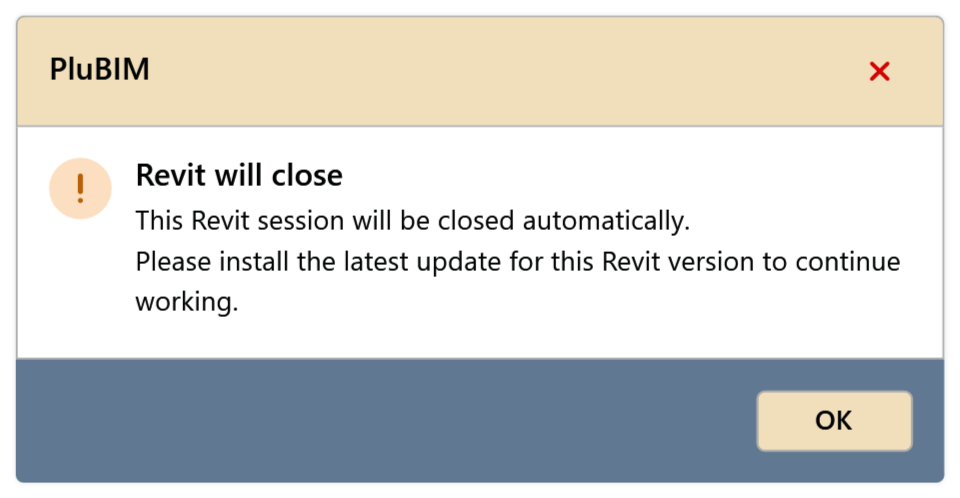
Fig. 2 · Revit will close
If an update of the running Revit version is mandatory, Proceed to Revit is locked. Then only Update Now is left.
If several Revit sessions are running, the message after Update Now points this out: close all Autodesk programs before installing.
Messages after “Proceed to Revit”
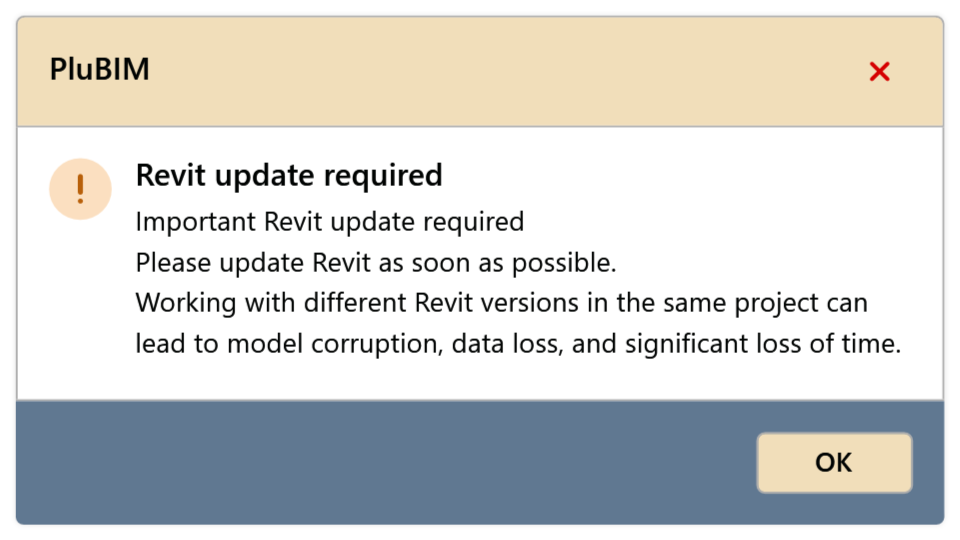
“Revit update required”
The running Revit version needs an update. You can keep using Revit, but install the update soon: different Revit versions in the same project can damage the model.
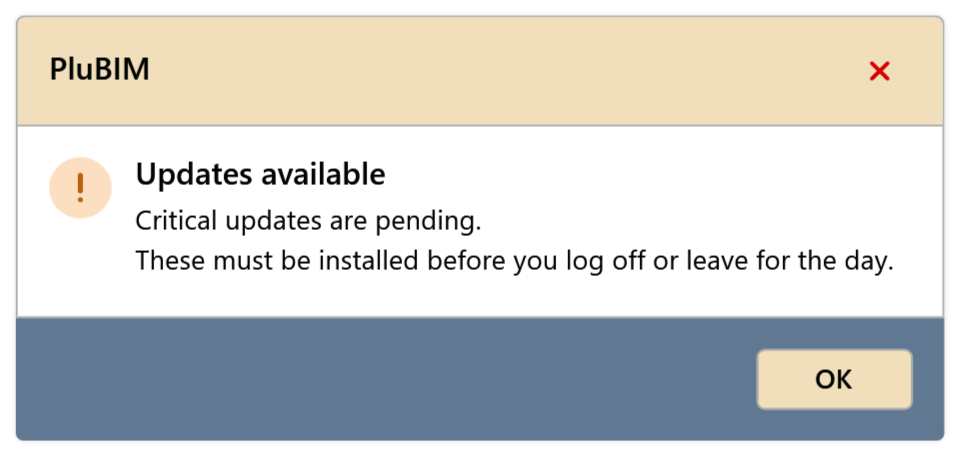
“Updates available”
There are critical updates for other programs. Install them the same day, ideally shortly before the end of the working day.