 PluBIM Help

Open Local Files
Open models and optionally sync them with the central model.
- Ribbon group
- Automation
- Version
- PluBIM 1.5.0
When to use it
- Local copies should be up to date and ready in the morning.
- Models should be synced with the central model regularly.
Set up the action
In NightShift, in the Action step, choose Open Local Files.
In the Open Model Settings area, turn on Sync to central after opening if needed.
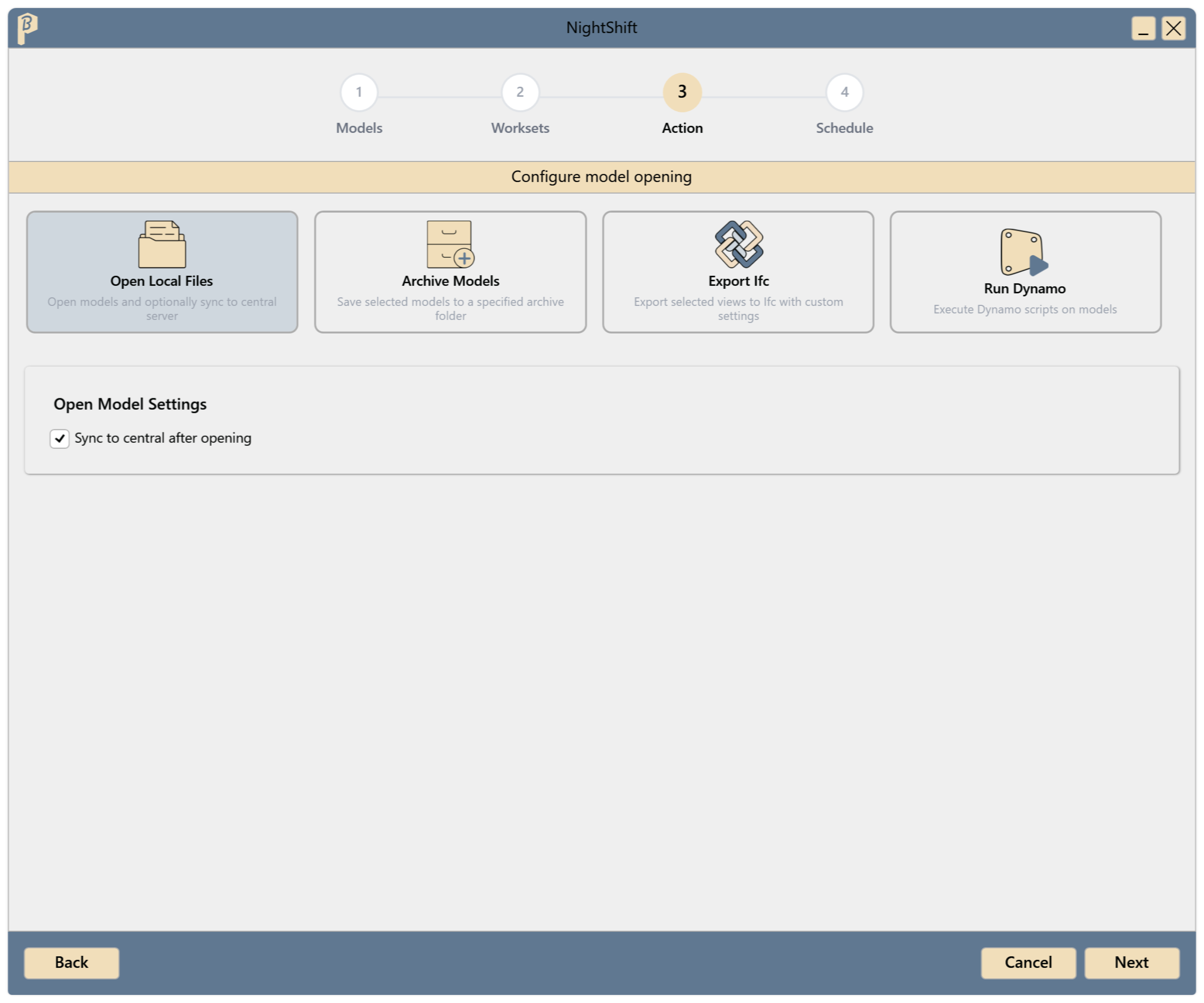
Fig. 1 · Open Model Settings Continue with the Schedule step and save the job (Create a job).
At the scheduled time, the models are opened and, if turned on, synced. The result is shown in the JobManager under History.
Result of the run
This action shows no summary at the end, even if a model fails. Whether all models were opened is shown in the JobManager under History and Models.