 PluBIM Help
DeletionGuard
Asks before many MEP elements are deleted or before levels and links are deleted or moved.
- Ribbon group
- No ribbon button
- Version
- PluBIM 1.5.0
DeletionGuard protects against accidental deletion. It has no button in the ribbon and is always active once PluBIM is loaded. Before Revit applies one of these changes, DeletionGuard asks:
- A delete removes 20 or more MEP elements at once.
- A level is deleted or moved up or down.
- A link is deleted or moved: Revit and IFC links, CAD links and imports, and point clouds.
When to use it
You don't need to start DeletionGuard. It works in workshared and non-workshared models.
Delete many MEP elements
Select elements and delete them. If they include 20 or more MEP elements, the question “Delete … elements?” appears. The list shows how many elements per category will be deleted.
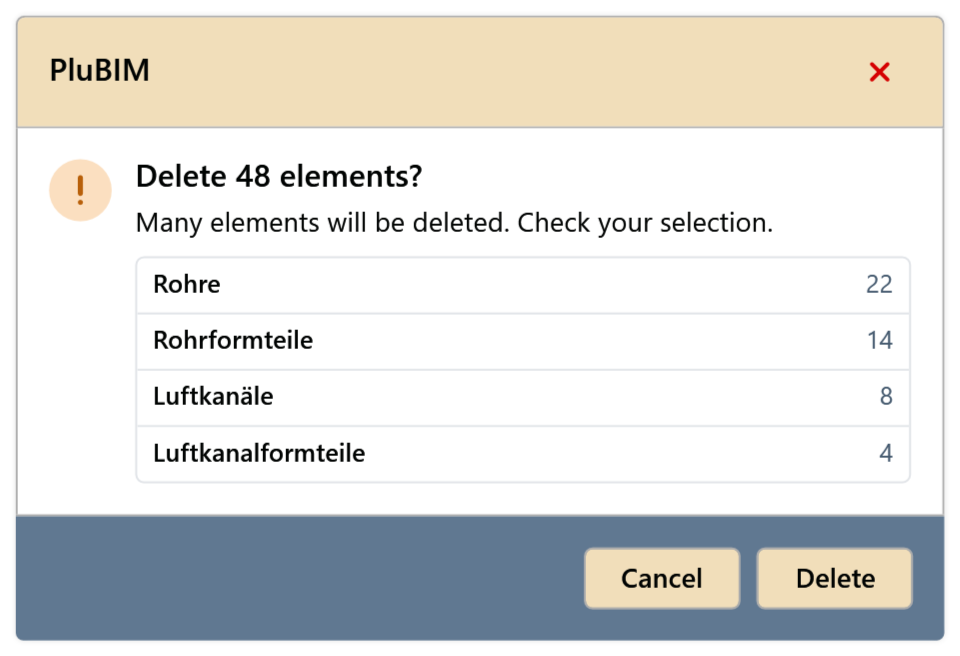
Fig. 1 · Delete many MEP elements Check the selection:
- Delete: the elements are deleted.
- Cancel: nothing is deleted.
Counted are pipes, ducts, cable trays and conduits with their fittings, pipe and duct accessories, mechanical and electrical equipment, and plumbing fixtures. Pipe and duct insulation does not count.
Levels and links
Delete or move a level or link. DeletionGuard asks even for a single element.
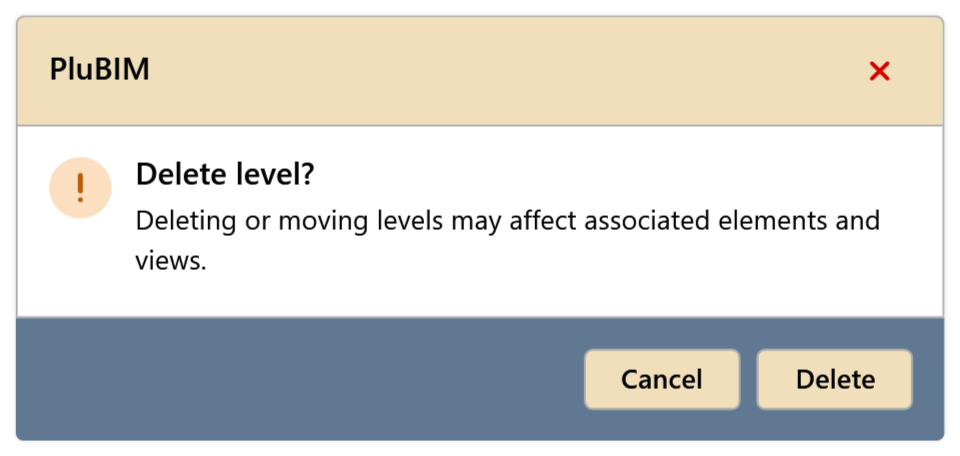
Fig. 2 · Delete level 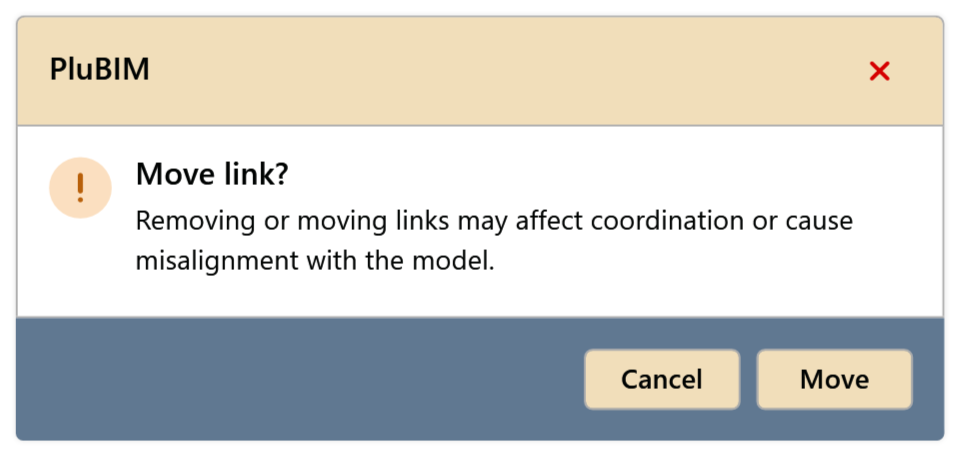
Fig. 3 · Move link Delete or Move applies the change; Cancel undoes it completely.
Limitations
- DeletionGuard is not active during scheduled NightShift runs.