 PluBIM Help

FitMatchKey
Find elements with FitMatchKey 0.
- Ribbon group
- Quality
- Version
- PluBIM 1.5.0
FitMatchKey looks for the MEP and electrical elements that you created or changed and whose parameter MP_400_FitMatchKey is 0, lists them and creates a 3D view for each, in which the element is highlighted in red.
When to use it
- Before handing over or synchronizing, check whether elements you edited still have a FitMatchKey of 0.
Requirements
- The project contains the shared parameter MP_400_FitMatchKey.
- A model is open and active.
Find and check elements
In the ribbon, click PluBIM › Quality › FitMatchKey. The check starts right away.
The list shows each element found with No. and Element (the category, e.g. Pipe Fittings).
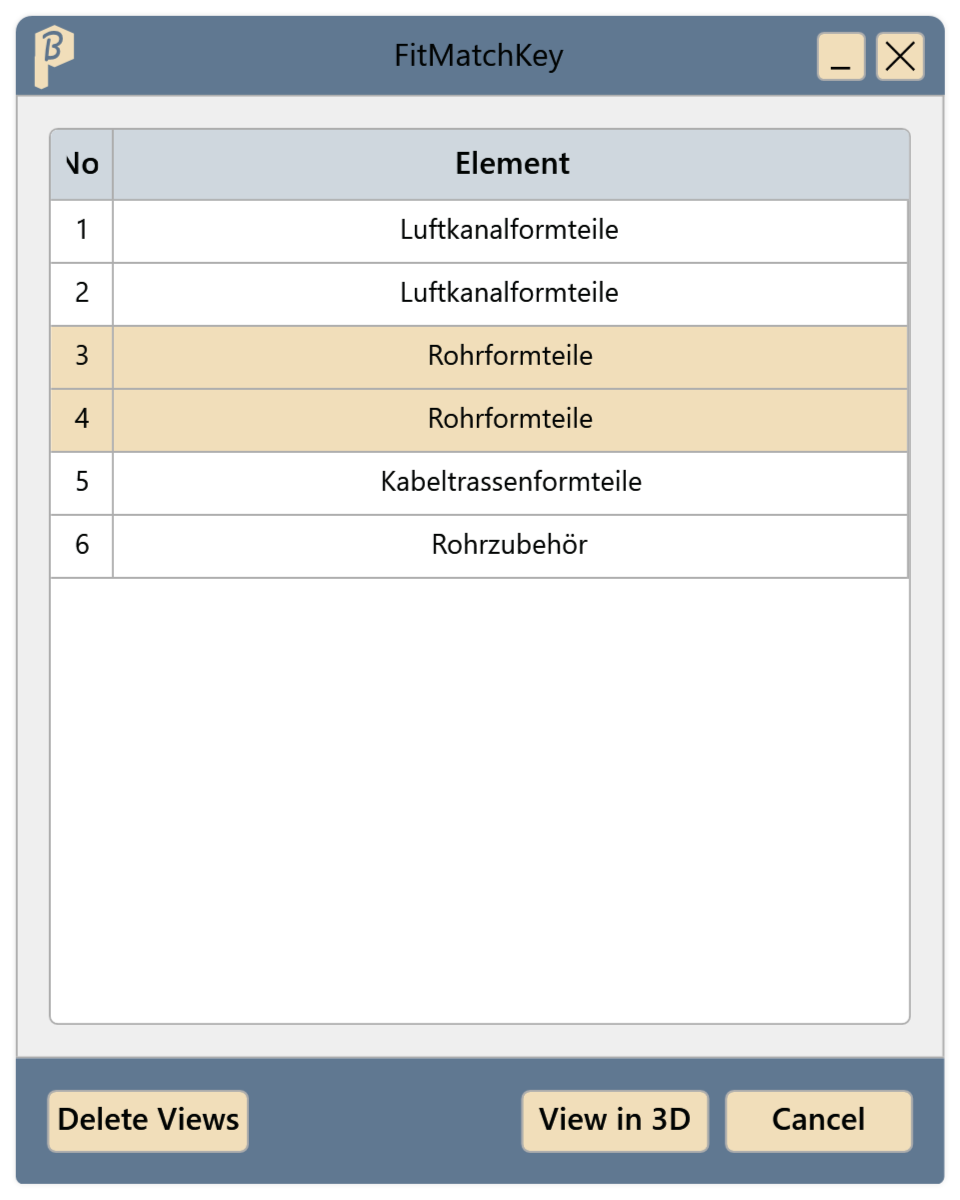
Fig. 1 · The FitMatchKey window Select one or more rows and click View in 3D, or double-click a row. For each element, a 3D view “FMK-Element No. n_user name” is created in which the element is highlighted in red. The view opens.
Correct the element's FitMatchKey.
When everything is corrected, click Delete Views. This removes all your FMK views and closes the open ones.
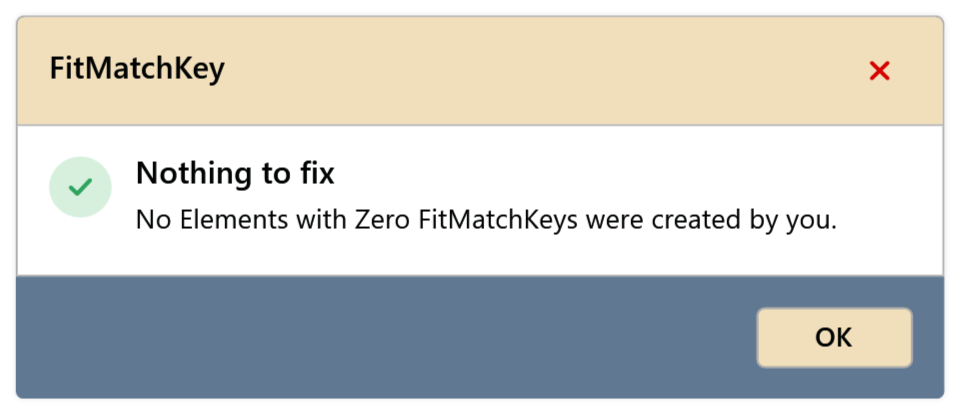
Running FitMatchKey again reports Nothing to fix: “No Elements with Zero FitMatchKeys were created by you.”
What is checked
- Elements: all relevant MEP and electrical elements.
- Your elements: elements you created or changed.
- The 3D views are placed in the view group 400 FMK.
Limitations
- Linked models are not checked.
Common problems
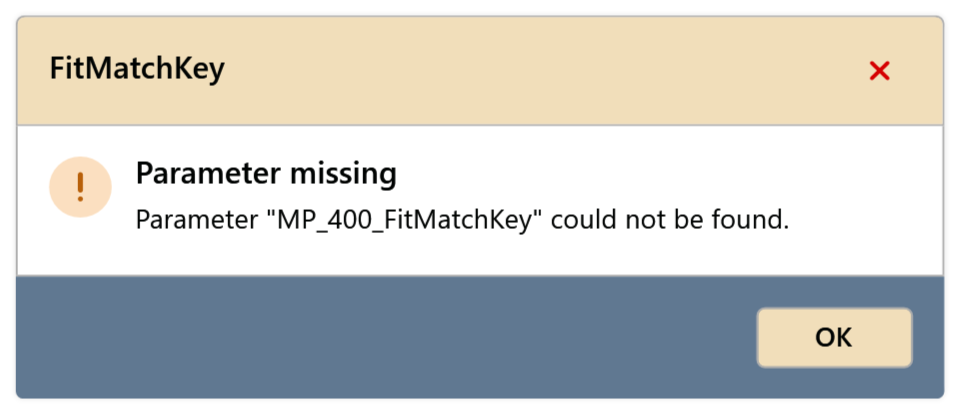
“Parameter "MP_400_FitMatchKey" could not be found.”
The parameter is missing in the project; FitMatchKey cannot check anything. Contact support.
“Could not create the view”
The 3D view could not be created, for example because the project has no 3D view type or the element has been deleted in the meantime. Restart FitMatchKey; if that does not help, contact support.
“Could not delete the views”
Usually an FMK view is the only open view. Open another view and click Delete Views again.
“Check failed”
The check stopped with an error. The message gives the reason; Show details has more for support.