 PluBIM Help

DynamoSync
Sync Dynamo packages and set the default script folder in Dynamo Player.
- Ribbon group
- Environment
- Version
- PluBIM 1.5.0
DynamoSync copies the standard Dynamo packages from the server to your computer and sets the script folder MP-Skripte in Dynamo Player. The MP scripts are then ready in Dynamo Player.
When to use it
- After installing PluBIM or a new Revit version.
- When Dynamo scripts do not run because packages are missing or out of date.
Requirements
- Dynamo Player was started in the current Revit session before you run DynamoSync.
- The server folder
P:\Software\Dynamo\Paketeis reachable.
Sync packages
In the ribbon, click PluBIM › Environment › DynamoSync.
If you have synced in this Revit version before, DynamoSync asks:
- Copy: new and changed packages are copied, and the script folder is set.
- Don't copy: only the script folder in Dynamo Player is set.
- Cancel: nothing happens.
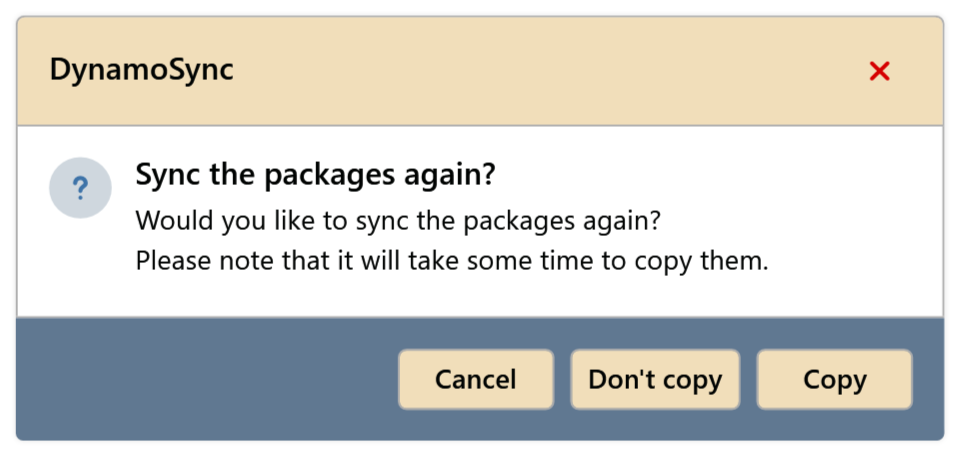
Fig. 1 · Sync packages again? A window shows the progress and closes by itself at the end. Copying can take a few minutes; the window cannot be closed in the meantime.
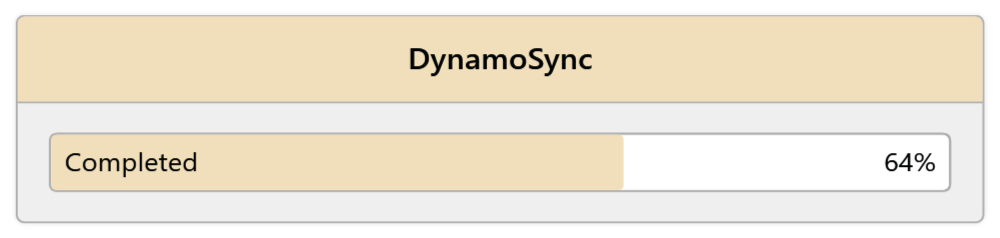
Fig. 2 · DynamoSync is copying
The standard packages are up to date, and Dynamo Player shows the folder MP-Skripte. An old script folder set earlier is removed.
Common problems
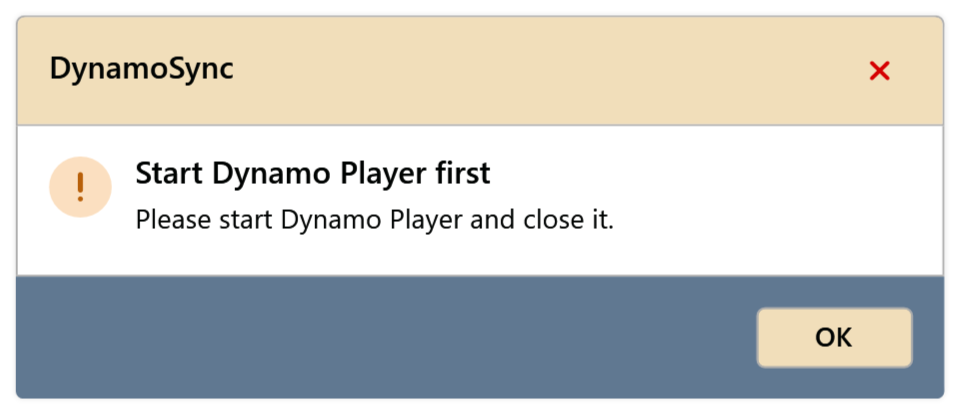
“Start Dynamo Player first”: “Please start Dynamo Player and close it.”
Dynamo Player has not been started in the current Revit session yet. Open and close it once under Manage › Dynamo Player, then start DynamoSync again.
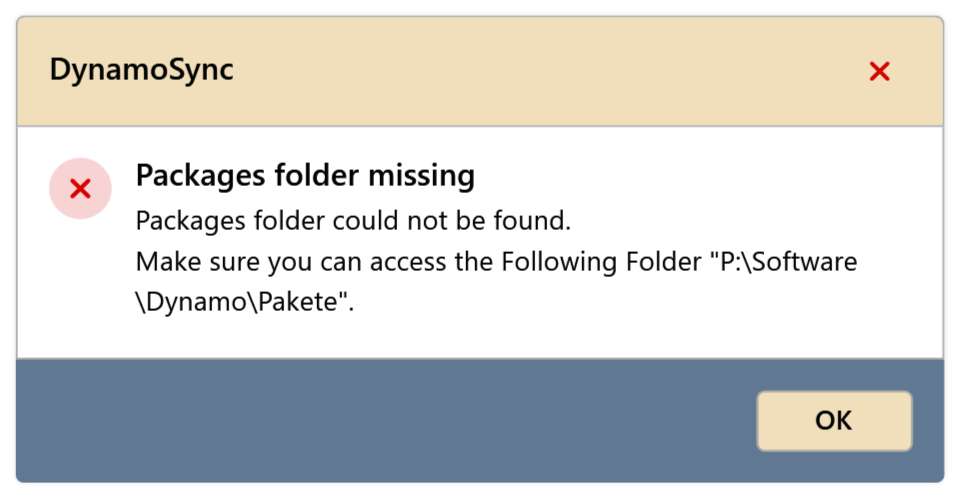
“Packages folder missing”
The server folder P:\Software\Dynamo\Pakete is not reachable. Check the network drive; if that does not help, contact support.